Setup ESP8266 Programming Environment
Configuration 1) Arduino IDE
1) Download arduino IDE (90 Meg)
https://www.arduino.cc/en/Main/Software


2)
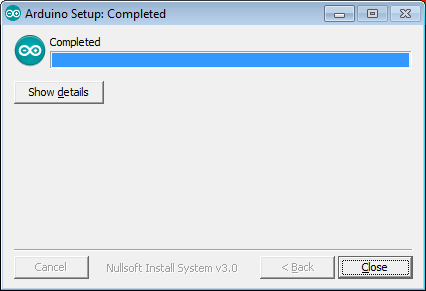
Execute installer
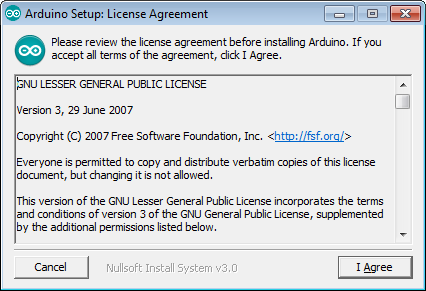
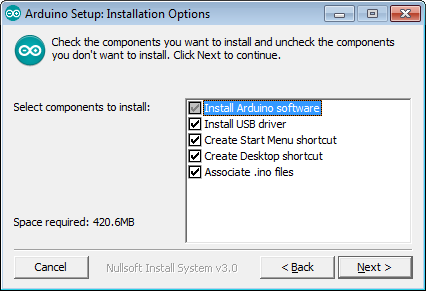
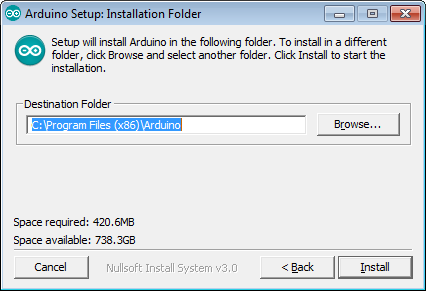
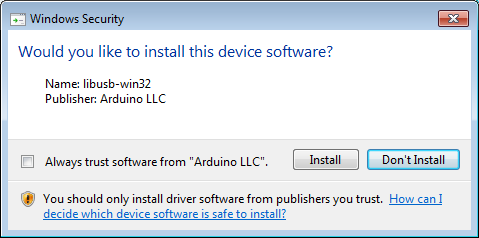
Install
drivers as it needs, like this

3.
Run IDE

4.
Get library

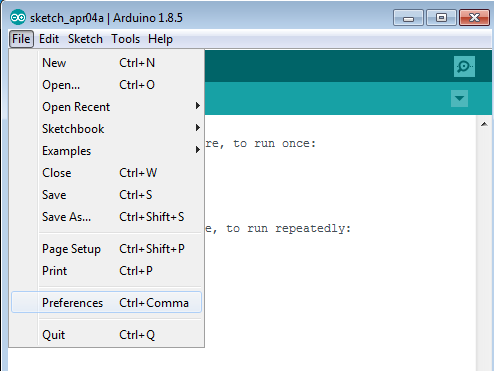


Enter
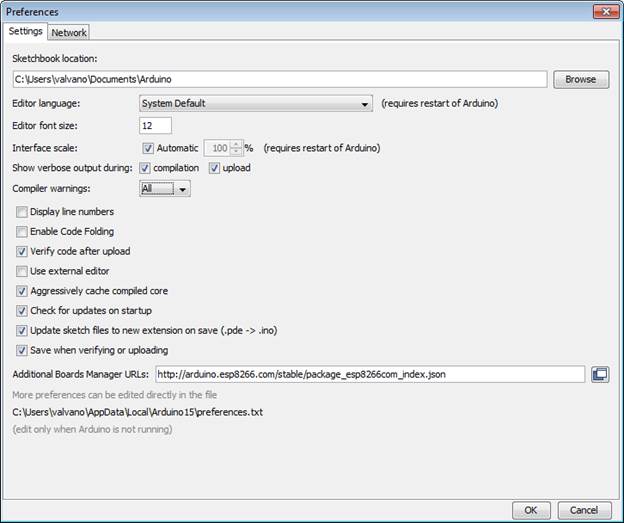
http://arduino.esp8266.com/stable/package_esp8266com_index.json
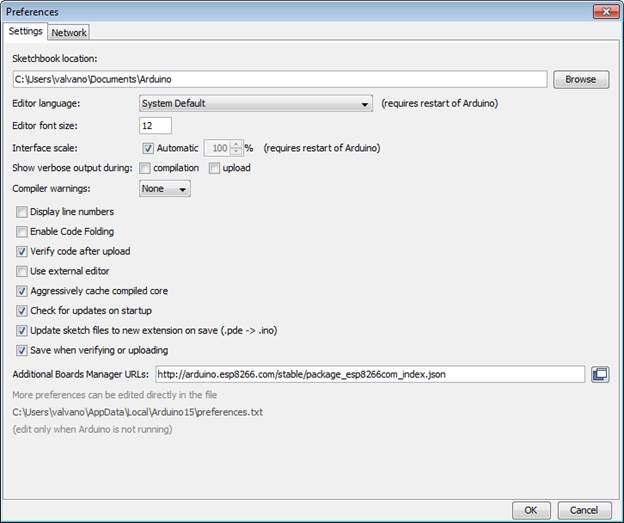
Open
board manager
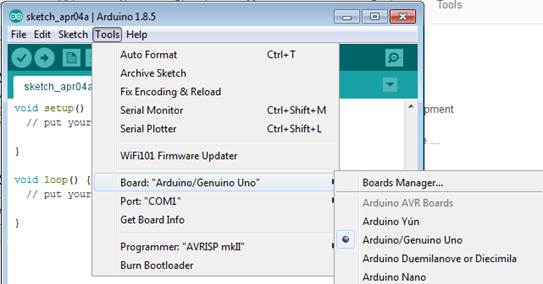
Search ESP8266
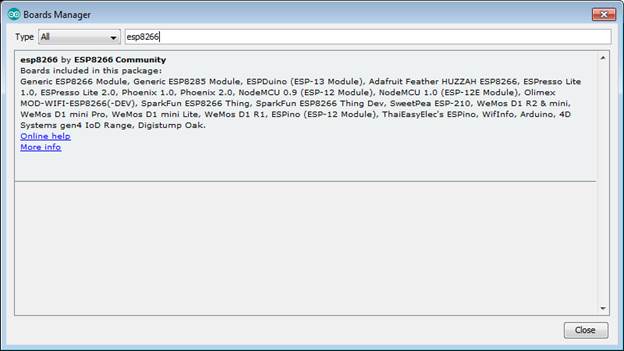
Install
8266 examples
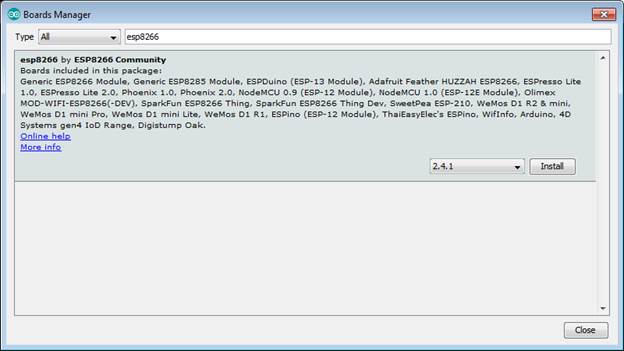
Close
window

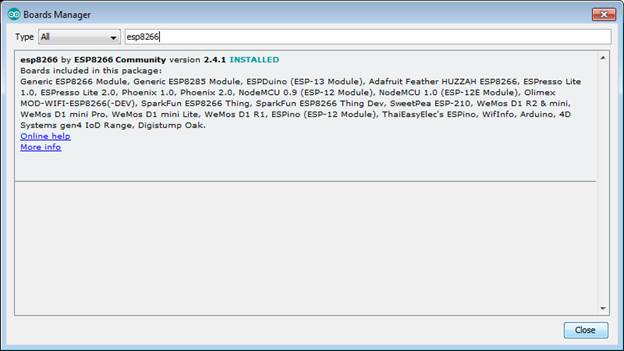
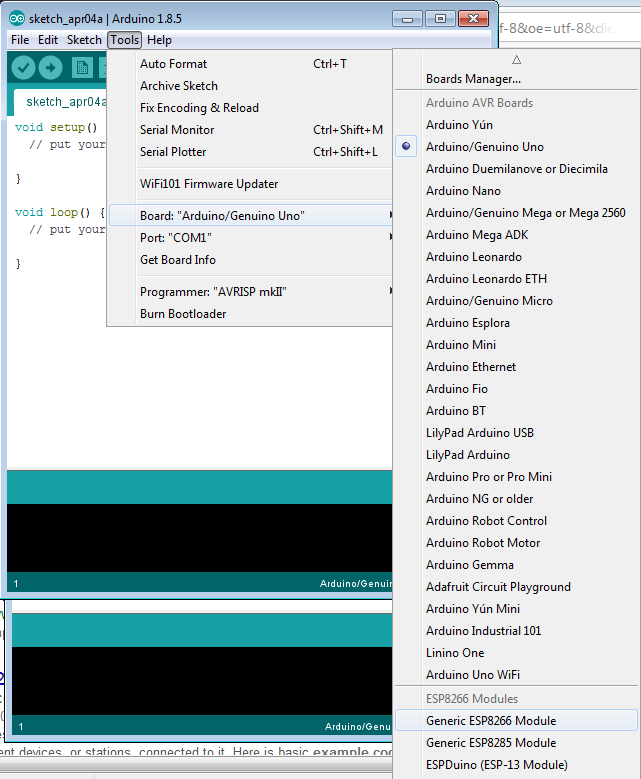
Notice
boards now include ESP8266, choose
Generic ESP8266
Change
Flash Mode settings to DIO

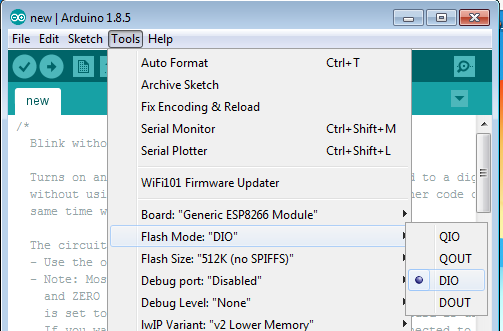
Change
Built-in number of LEDs to 1

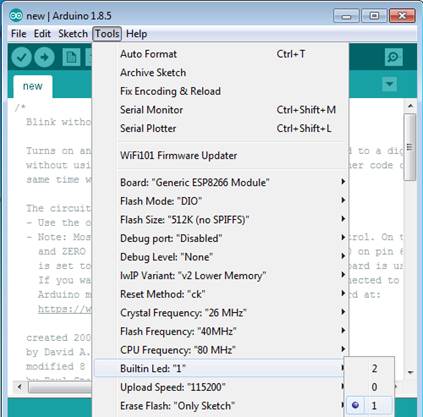
Choose
a project to download (choosing Blink)

Blink is a simple
project that flashes the built-in LED (no wifi functionality). setup is called once at beginning and loop is called over and over (main
program)
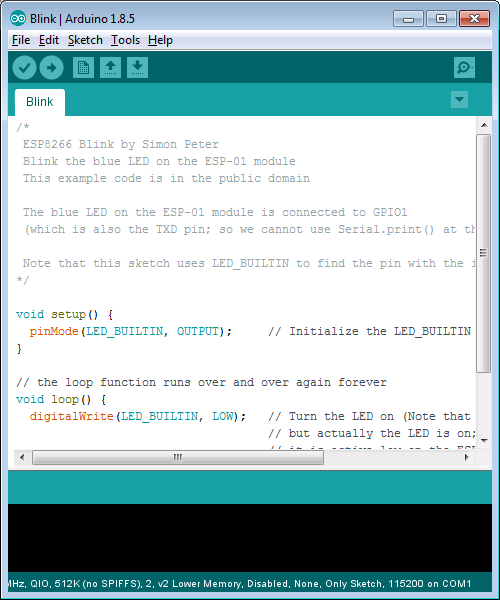
4.
plug 8266 into programmer
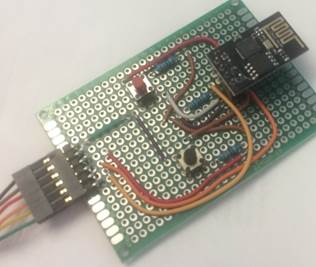
5.
plug programmer into USB

Specify
the COM port (you may what to use device manager to see what COM port the
programmer uses). On my computer, it was COM68.

Preferences
to show verbose output and show all compiler warnings


To
program


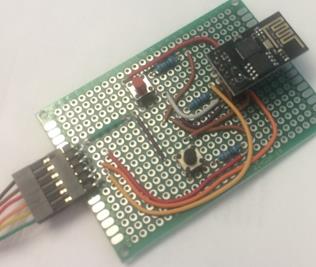
1) Push and hold reset (red)
2) Push program and hold (black)
 3) Release reset
4) Release hold
5) Upload code
